
SnapDic
Why type a word you're already looking at?
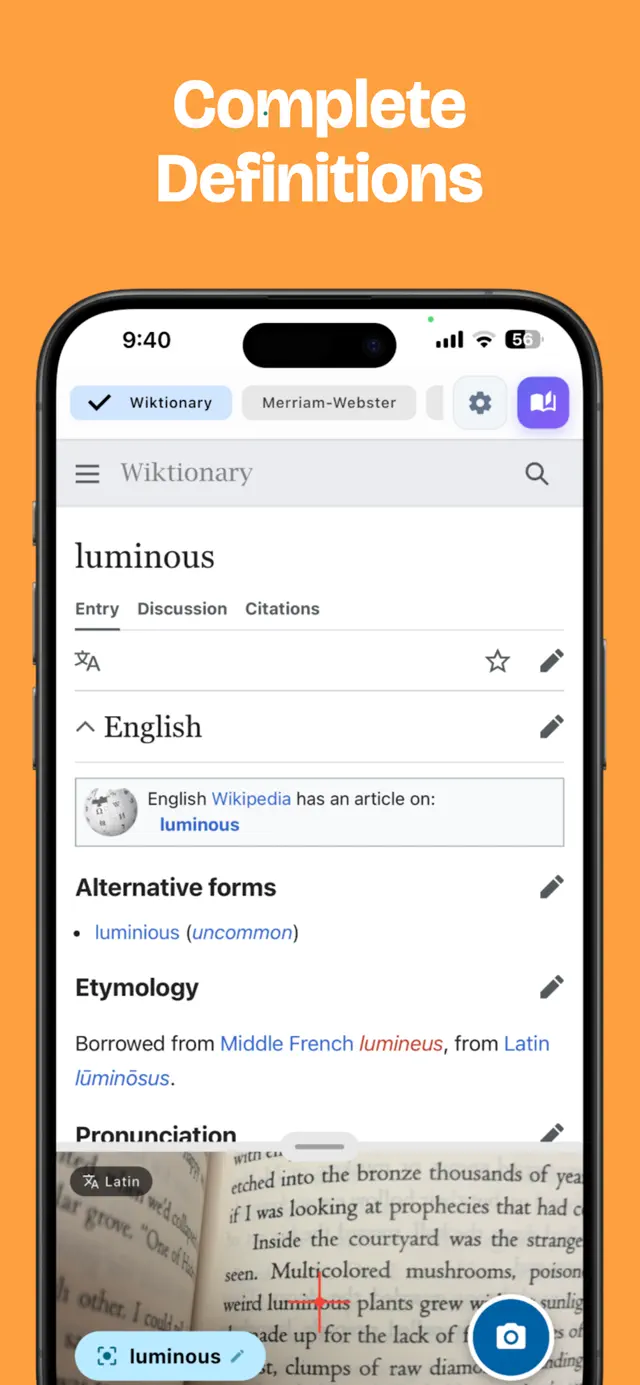
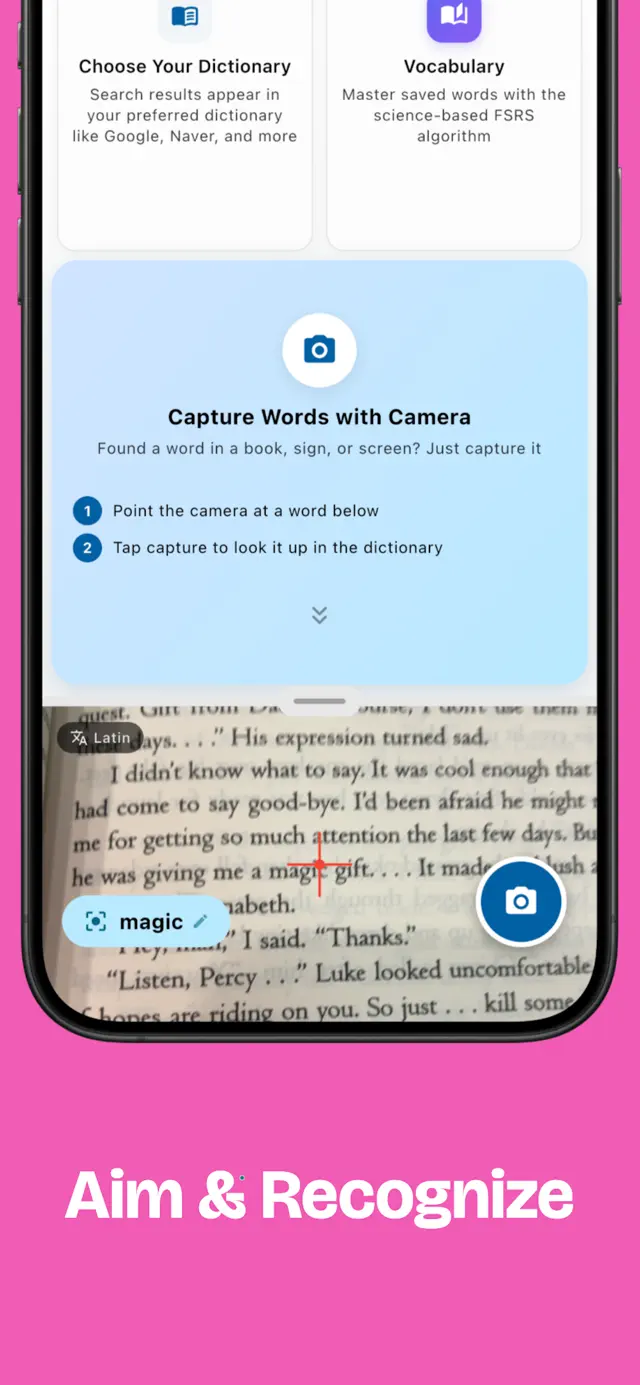
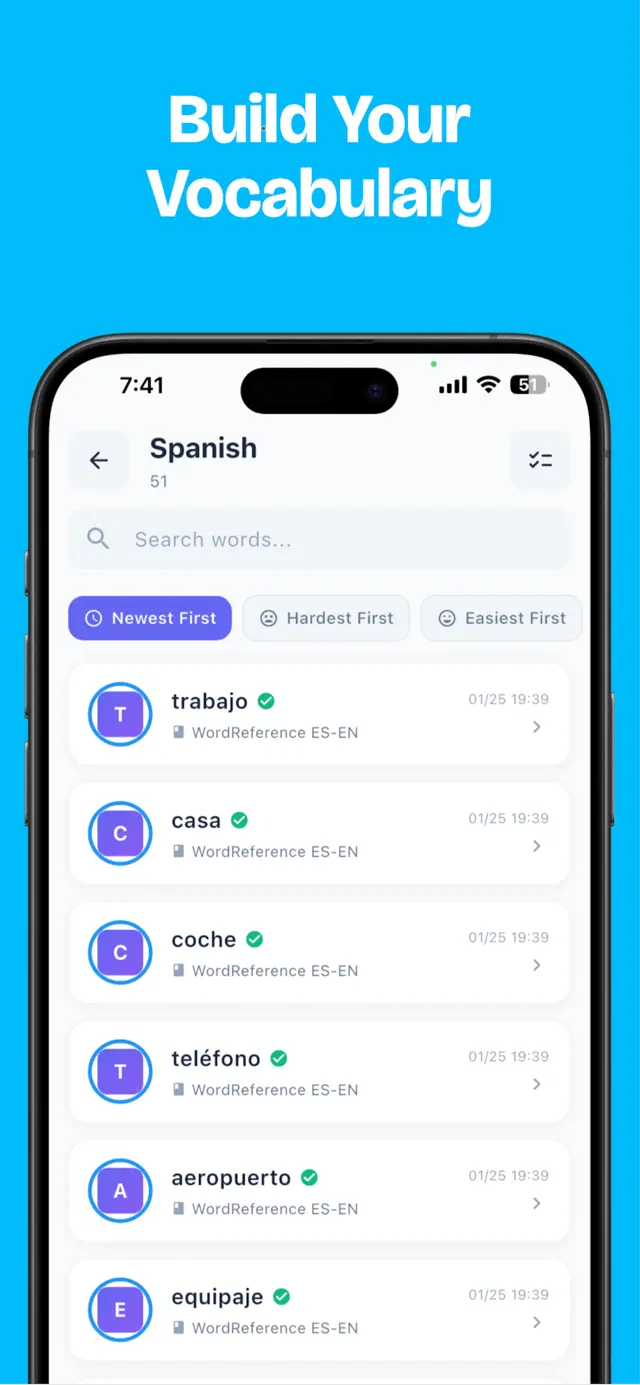
You hit a word you don't know halfway down the page. Opening a dictionary app and typing it out letter by letter costs you the sentence you were in. SnapDic puts the dictionary behind the camera: hold the phone over the page, tap the word, read the definition, carry on. It works on books, printed documents, signs and menus.
Features
Tap the word
Aim the camera at printed text and the app reads it. Tap the word you want and the definition comes up. You never type it out and you never leave the page you were on.
Vocabulary books
Save a word into a book you name yourself. One per language, one per topic, or one per project you happen to be reading for. Words you looked up stay somewhere you can find them again.
FSRS review schedule
Saved words come back on an FSRS schedule, the spaced repetition method that pushes reviews further apart as a word gets easier for you. One lookup rarely makes a word stick.
Offline dictionaries
Download a dictionary to the phone and lookups keep working with no signal, which abroad is usually the moment you need one. Offline access and the additional languages are part of Pro.
What Pro adds
The free app caps daily searches and vocabulary books, and it shows ads. Pro drops both caps and the ads, adds dark mode and extra themes, and exports your saved words.
Who it's for
- Language learners who read on paper and hit unfamiliar words constantly
- Students working through academic texts full of terms they haven't met
- Travelers reading signs and menus in a language they don't have
- Professionals reading technical documents outside their own field
- Anyone who resents stopping mid-page to type a word into another app
Details
- Category
- Education
- Platforms
- iPhone · Android
- Updated
- August 18, 2026
- Released
- February 1, 2026