
Flowmodoro
The timer counts up. Your break grows with it.
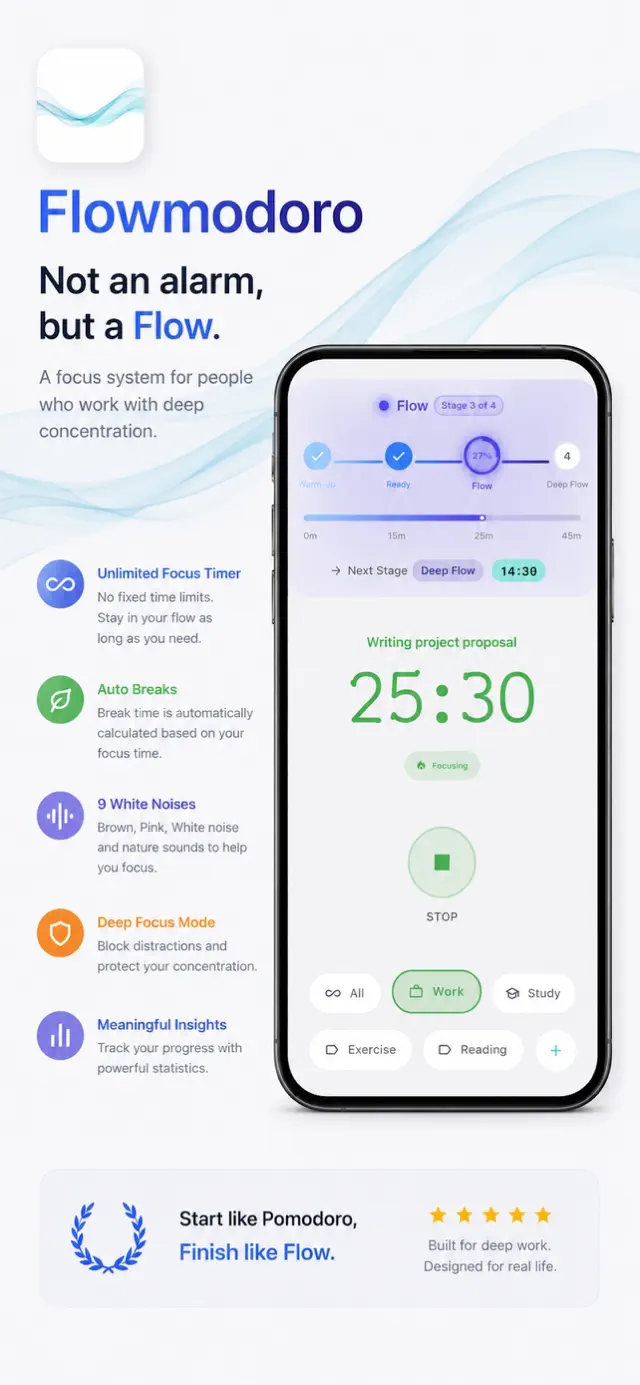
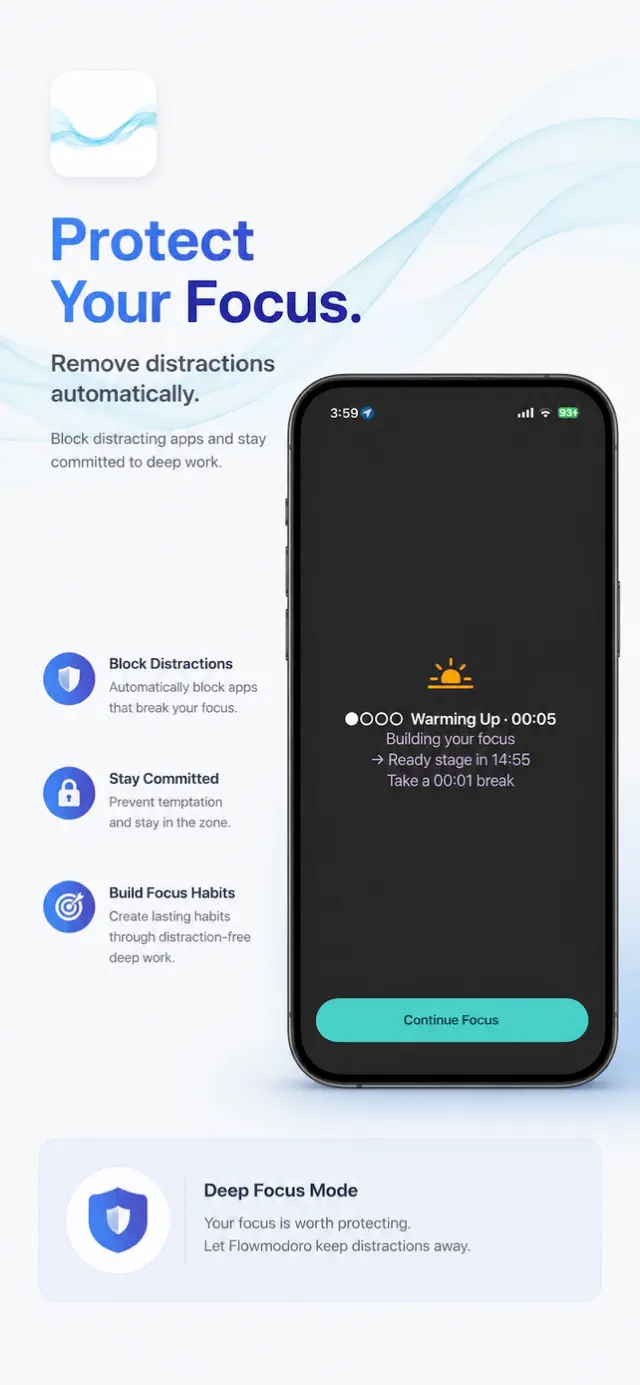
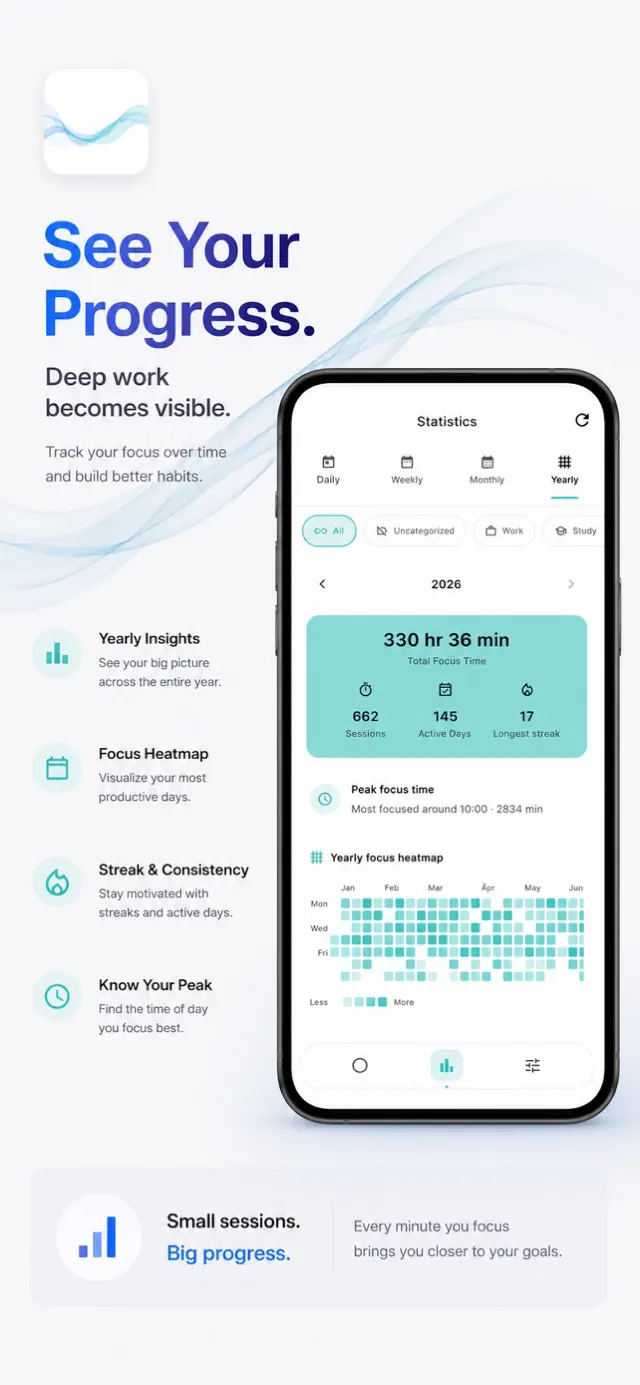
Flowmodoro counts up. You start the timer, work until you want to stop, and the app hands back a break sized from the focus time you just logged, at whatever ratio you set. The classic Pomodoro timer is built in as well, with fixed intervals, if you would rather be cut off at 25 minutes.
Features
Count up or down
The Flowtime timer counts up and works out your break from the focus time at a ratio you pick. The Pomodoro side runs fixed focus and break lengths, with your own long-break interval and presets to start from.
Flow zones
A running session moves through Warm-Up, Ready, Flow and Deep Flow as the minutes add up. Quitting gets harder once the screen says Deep Flow.
App blocking, two ways
Pick the apps that pull you away and they stay shut while the timer runs, or invert it and allow only the ones you need. Strict Mode takes away the escape hatch, and a daily override limit covers the days you need one.
Where the hours went
Daily and weekly trends, a breakdown by category, and session history you can edit. Pro adds monthly and yearly views, an activity heatmap, best streak, and JSON or CSV export. iCloud sync is optional.
Lock Screen and sound
A Live Activity puts the timer on the Lock Screen and Dynamic Island, and a Home Screen widget starts and stops sessions. Nine ambient sounds play underneath, and focus and break keep switching while the phone is locked.
Who it's for
- Students grinding through long study blocks before an exam
- Developers, writers and designers whose work needs one uninterrupted run
- Freelancers who want their hours tagged and totaled by category
- People with ADHD or other focus difficulties
- Pomodoro users who keep getting cut off mid-task
Details
- Category
- Productivity
- Platforms
- iPhone · Android
- Updated
- September 8, 2026
- Released
- February 1, 2026